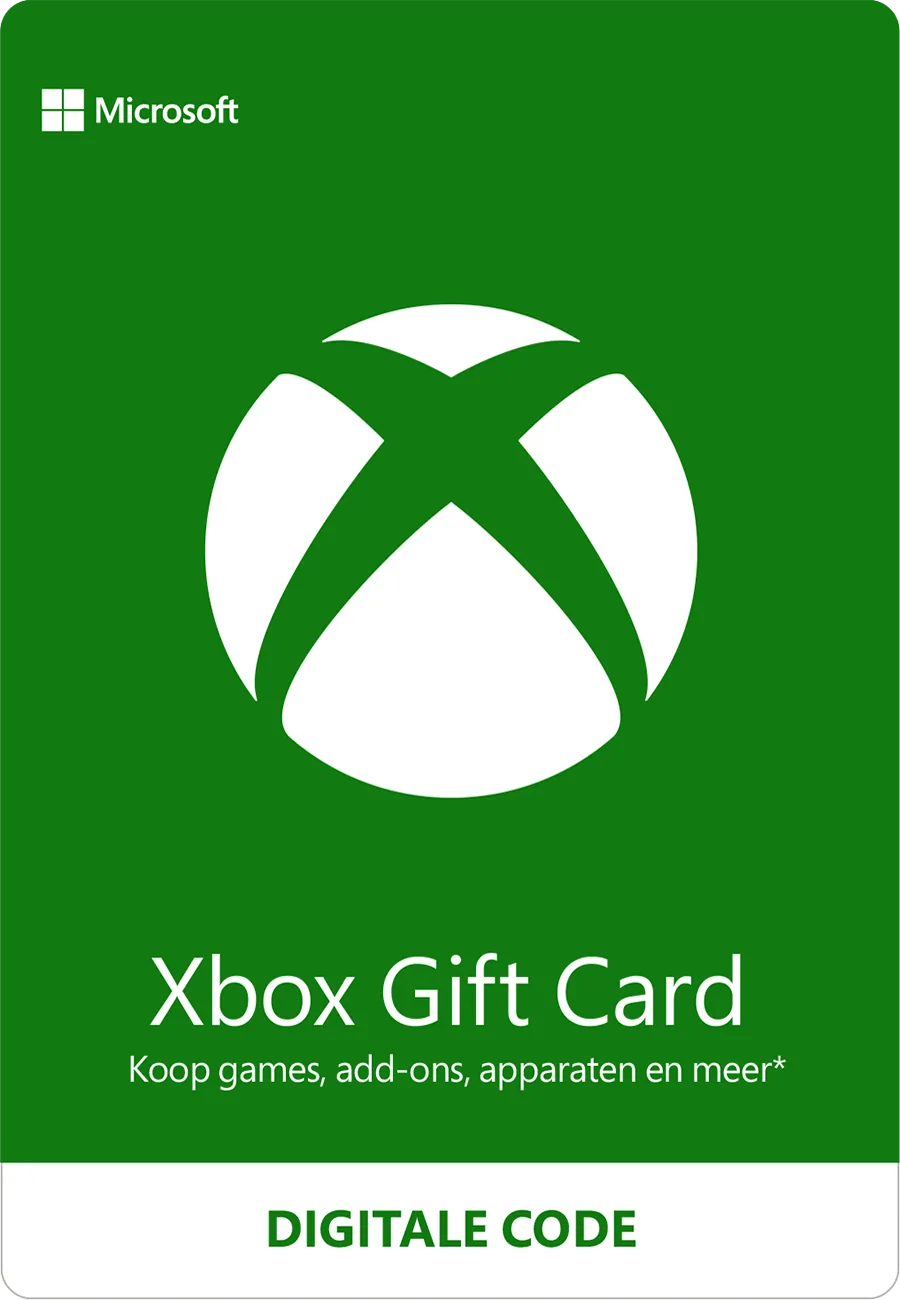
- Product
- software licence
- Platform
- Online at Microsoft 365
Digital licence
Buy a Microsoft 365 software licence
You receive a digital code for Microsoft 365. Choose your value and redeem the code on your own account.
Card value
€30.00
No service fees
Total price
€30.00
Payment methods
- iDEAL


- Visa
- Mastercard
Pay with iDEAL, Apple Pay, Google Pay, Visa, or Mastercard.
- Officially sourced code
- Straight to your inbox after payment is confirmed
- No service fees
- Need help? Customer service
What you get
With a software licence for Microsoft 365 you pay at Microsoft with a digital code, without a bank card or credit card.
Where to spend
- Purchases at Microsoft 365
- Paying without giving Microsoft 365 your card details
- Giving it as a gift
How to receive and redeem the code
After confirmed payment, one code for Microsoft sits in your inbox. Card values from € 10 to € 100.
- 1Copy the code from the order e-mail.
- 2Enter it at Microsoft, in the field for codes or software licence.
- 3The amount is then ready for your purchases at Microsoft.
Region and conditions
The code is meant for single use on one account.
What happens to the balance after redemption is set by the issuer’s terms.
Terms for account credit
After redemption, the issuer’s terms apply to the balance on your account.
Sources
- https://www.cadeaubon.nl/cadeaubonnen/microsoft-xbox-giftcard/ — Last checked on 2026-09-13
- https://www.kartapodarunkowa.pl/karty-podarunkowe/microsoft-xbox/ — Last checked on 2026-09-13
Frequently asked questions
When do I get the code?
Once your payment is confirmed, we e-mail the code for Microsoft.
Need help?
If the code does not work, check the official redemption instructions and that the code was copied exactly. Our support team can then help with the error message and proof of purchase.